Google Search doesn’t look the way it did two years ago. Type a question into the search bar today, and you may not get a page of blue links at all. What you might get instead is a conversational, fully reasoned answer with sources attached, an interactive comparison tool, or even a mini-app built on the spot. That’s AI Mode, and if you’re not using it deliberately yet, you’re leaving a lot of Search’s capability on the table.
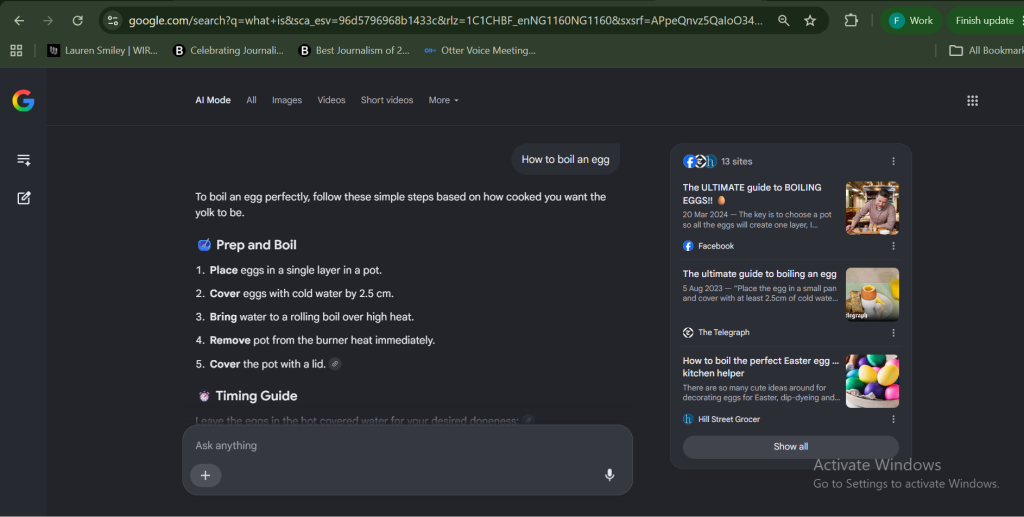
Here’s a practical guide to what AI Mode actually is, how it works, and how to use it well.
What is Google’s AI Mode?
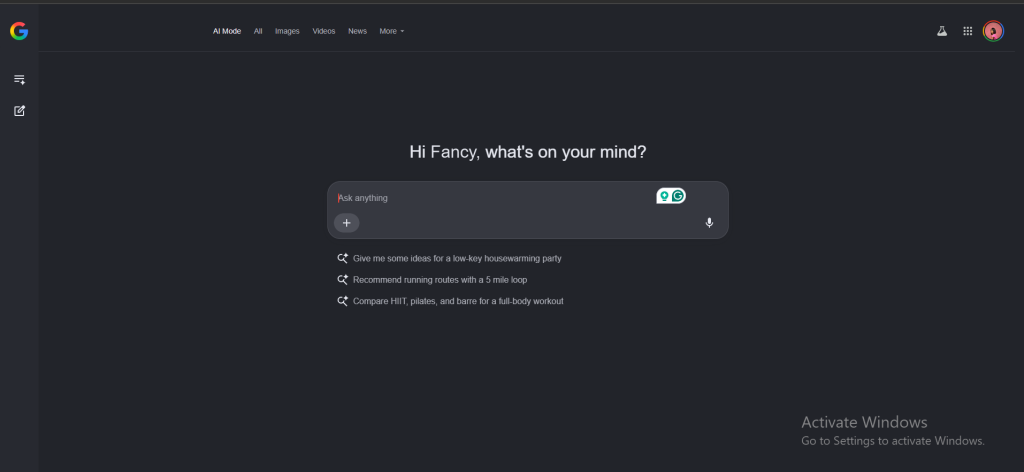
AI Mode is a conversational search experience built into Google Search and powered by Gemini 3, a Gemini model. Rather than returning a single set of results when you search, it uses a query fan-out technique. This enables it to run multiple related searches across subtopics and data sources at the same time and synthesise the findings into one coherent response.
AI Mode is different from AI Overviews — the AI-generated summaries that already appear within standard search results.
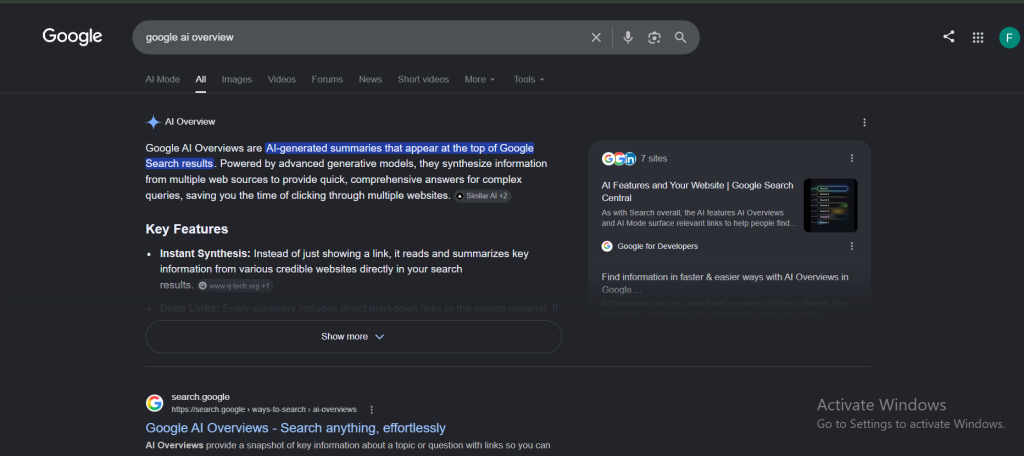
AI Mode is a deeper experience for questions that would normally take several searches to answer properly: comparing products, planning a trip, or working through a topic you don’t yet have the vocabulary for.
Google began rolling out AI Mode in May 2025, and it has grown fast since. The company announced at Google I/O 2026 that AI Mode had passed one billion monthly users.
Google extended AI Mode and AI Overviews to Yorùbá and Hausa, as part of a wider expansion that brought AI-powered Search to 13 African languages in total, including Kiswahili, isiZulu, Afrikaans and Wolof.
How to access AI Mode
- On desktop, go to google.com, and you’ll find an “AI Mode” tab sitting alongside the usual All, Images, Videos, and News tabs.
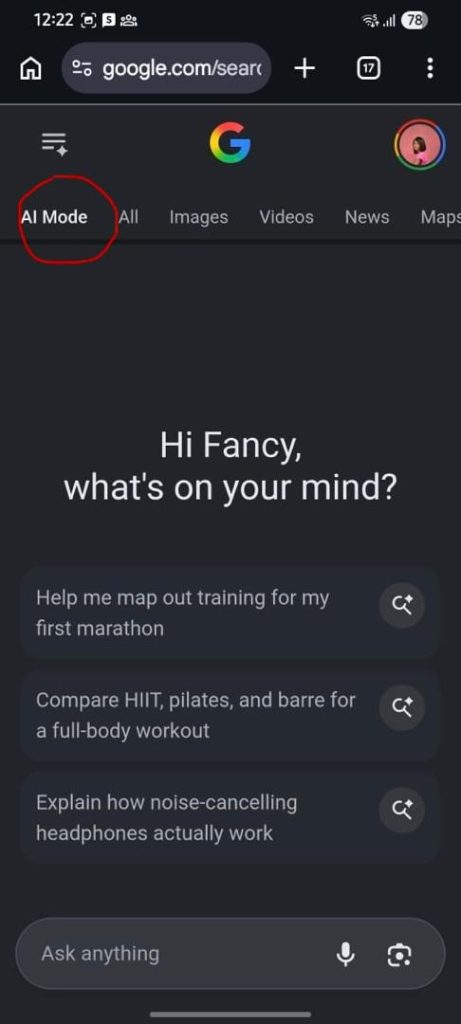
- On mobile, open the Google app on Android or iOS and tap into AI Mode from within the search experience.

- To search in an African language, simply type or speak your question in that language once you’re inside AI Mode — Google says the system is built for genuine language understanding, not just translation.
Getting the most out of Google’s AI Mode in Search
1. Ask the way you would ask a knowledgeable colleague, not a search boxInstead of searching “best SEO tools,” you get better results asking something like “what are the best SEO tools for a small e-commerce business on a tight budget?”
This is because AI Mode doesn’t match your query against an index of pages like traditional search. Traditional Search works by matching keywords to pages, so stripping your question down to bare terms like “best SEO tools” actually helps it find the right documents.
AI Mode uses query fan-out to reason through your query.
2. Use follow-up questions instead of starting overAI Mode maintains context across a session, so your second, third, and fourth questions build on what came before without you needing to restate anything. This lets you compare products, add new context, or dig deeper into a topic without opening a fresh search each time.
It is better to ask your broad question first, then narrow in. For instance, if you asked about sleep trackers, a natural follow-up would be something like “what happens to your heart rate during deep sleep?”. In this case, AI Mode carries the earlier context forward rather than treating it as an unrelated query.
You can also revisit your AI Mode history at any point to pick up a previous session where you left off, which is handy for longer research projects.
3. Feed it more than textThe redesigned AI Mode search box accepts text, images, files, video, and even open Chrome tabs as inputs to a single query. It reasons across all of them together rather than treating each as a separate search. If you’re comparing apartment listings, product spec sheets, or screenshots of a confusing bill, you can drop them straight in rather than typing everything out.
4. Let it build the comparison, not just describe oneOne of AI Mode’s more useful upgrades is that it can generate interactive interfaces. Ask it to compare three apartments across commute time, rent, and square footage, and it will build a comparison tool rather than just linking you to one.
5. Turn on Personal Intelligence if the context demands itGoogle has been expanding Personal Intelligence in AI Mode to more people across nearly 200 countries and 98 languages, with no subscription required. This lets you securely connect Google apps like Gmail and Google Photos so that AI Mode can factor in your own context.
This feature is useful for things like trip planning or tracking a purchase, where the AI can reference your actual bookings or photos rather than working blind. You can choose if and when to connect each app, and you can disconnect at any time.
6. Try Search Live for hands-free or camera-assisted searchSearch Live enables you to search using your camera and voice at the same time. It is particularly useful for anything visual: identifying an object, working through a physical repair, or getting a live read on something in front of you.
True scale demands moving beyond surface-level integrations to robust execution. We’ve filtered the noise out of Moonshot 2026, optimising the conference strictly for high-calibre connections between startup founders, global financial operators, enterprise leaders and individuals rewiring Africa’s technical frameworks.
Get 20% off Early Bird tickets for a limited time.